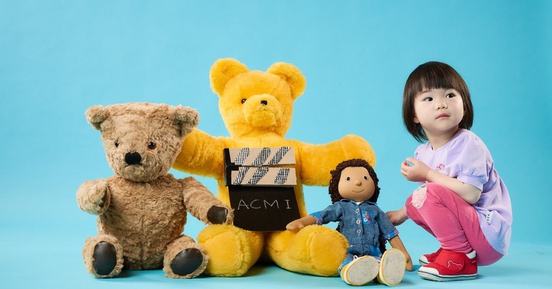
Play School: Come and Play! family resource
ACMI is so excited to bring you Play School: Come and Play!
Discover how Play School is made and be inspired to create your own TV moments to share with family and friends. In this resource you’ll find fun facts, questions and activities to support your visit to ACMI, and handy tips for building media literacy at home.
Introduction
Play School has delighted young Australian viewers since 1966. The program has endured because it has always placed children at the centre, addressing its preschool audience with warmth, respect, and a genuine reflection of modern, multicultural Australia.
Designed for children aged 2 to 5 years, Play School invites its audience to actively participate at home, singing, dancing and creating along with the presenters. After the credits roll, the play continues, as viewers take these songs and activities into their daily lives and we hope the activities in this resource help you continue the play after visiting our exhibition.
Behind the camera
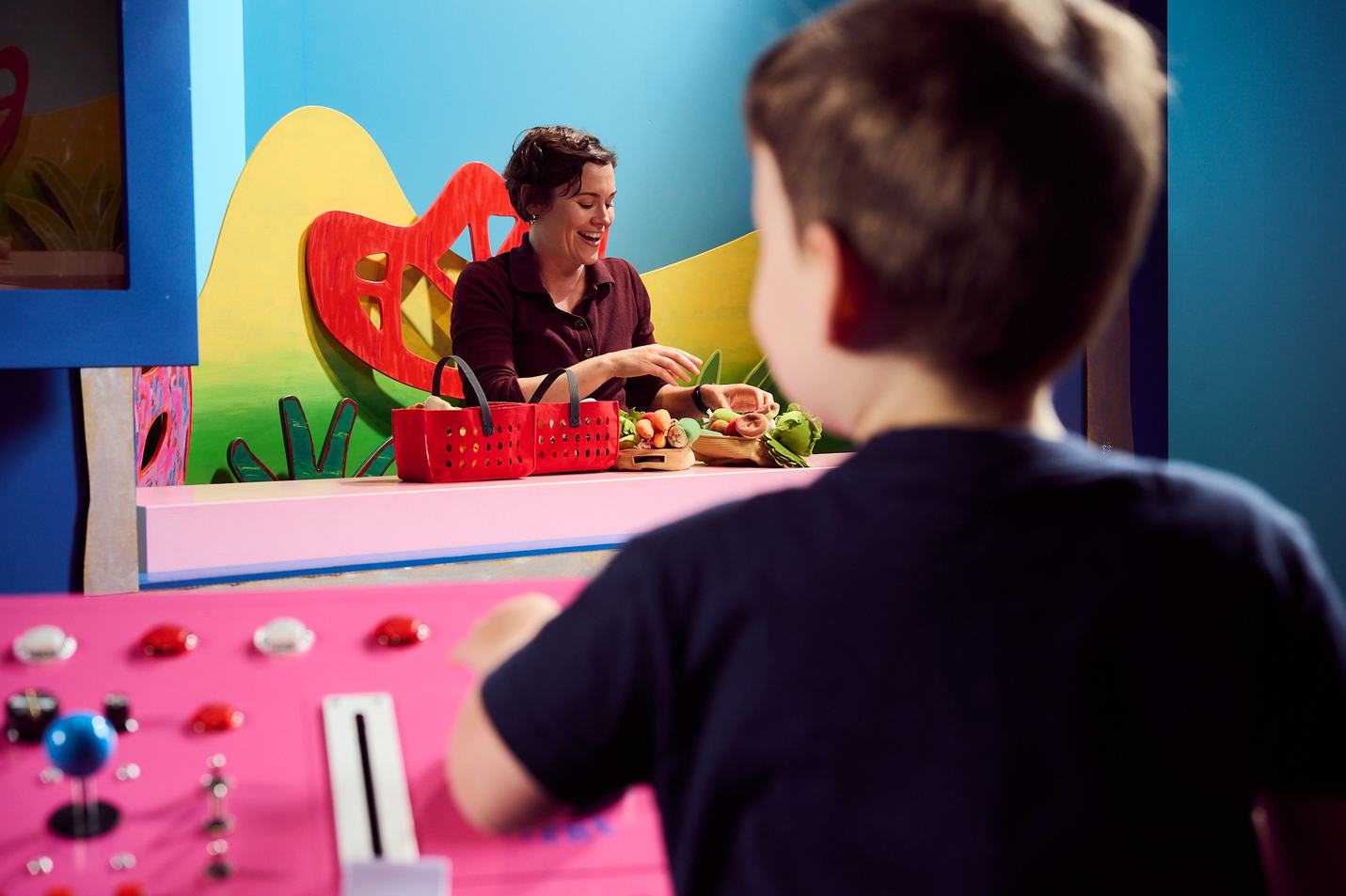
Creating each Play School episode involves an enormous amount of planning. There is an expert team working together to make each outstanding program.
Themes are chosen to be engaging and relevant to pre-school children and add to their understanding of the world.
Brainstorming includes a writer, producers, and early childhood advisers, who come up with an outline for the show and choose songs, stories and activities.
The outline creates a balance of passive and active viewing. Notice how story time will be followed by some wiggle relief to get the sillies out!
Presenters speak directly to young viewers through the camera and invite them into the world of the show.
The Toys are a beloved and familiar part of Play School’s identity and feature in imaginative play that includes taking roles in games and stories.
The Set has four main locations: Craft area, Action area, Story area and Kitchen area. While flexible, there are certain basic pieces which are used often to encourage a sense of familiarity.
Music is played live on set. A pianist is positioned just off camera and responds to cues in the script.
Filming follows a week of rehearsal. Over two days everything is filmed, withthe presenters performing as if the audience is in the room.
The footage is Edited ready to be broadcast into our home and on to our TV Screen or uploaded on to the app, ready for us, the audience to watch and enjoy.
Media literacy at home
It is important for young children to be introduced to Media literacy while they are watching videos and using screens for play. A great start is to show preschoolers that TV shows are made, and don’t just appear magically out of thin air! The foundation of screen and media literacy is the understanding that all media is constructed.
Some tips for supporting media literacy in your home.
Watch together – watch TV shows and videos with your child.
Discuss – talk about what you are watching together. Asking how they feel about what they are watching, and what they understand is an easy way to start.
Ask questions – encourage sharing with questions like, ”Did you enjoy that show?” or “What did you like best?” Build curiosity by asking “What surprised you?” or “What would you like to know more about?” Support understanding by asking your child to explain what they watched in their own words.
Be selective – Treating screen time as a shared activity lets you guide what your child watches. Using apps like ABC Kids can help with this, as the ABC’s early learning educators carefully select the content.
Animate
The exhibition includes the animation set for the new animated titles created by Studio Gilay. Next time you watch Play School with your child, draw their attention to the titles and how they were made.
Make your own animations using the toys you have at home.
- Find a simple animation app for phone or tablet.
- Set up your device so it doesn’t move. You can use an egg carton or toy bricks to make a stand, or you can attach your device to the edge of a table.
- Work as a team to move the toys and capture frames/ images using your device.
- Add some sound. This could be singing a song, making sound effects, or telling the story of what happens.
- Share your animation with family and friends.
Design a character
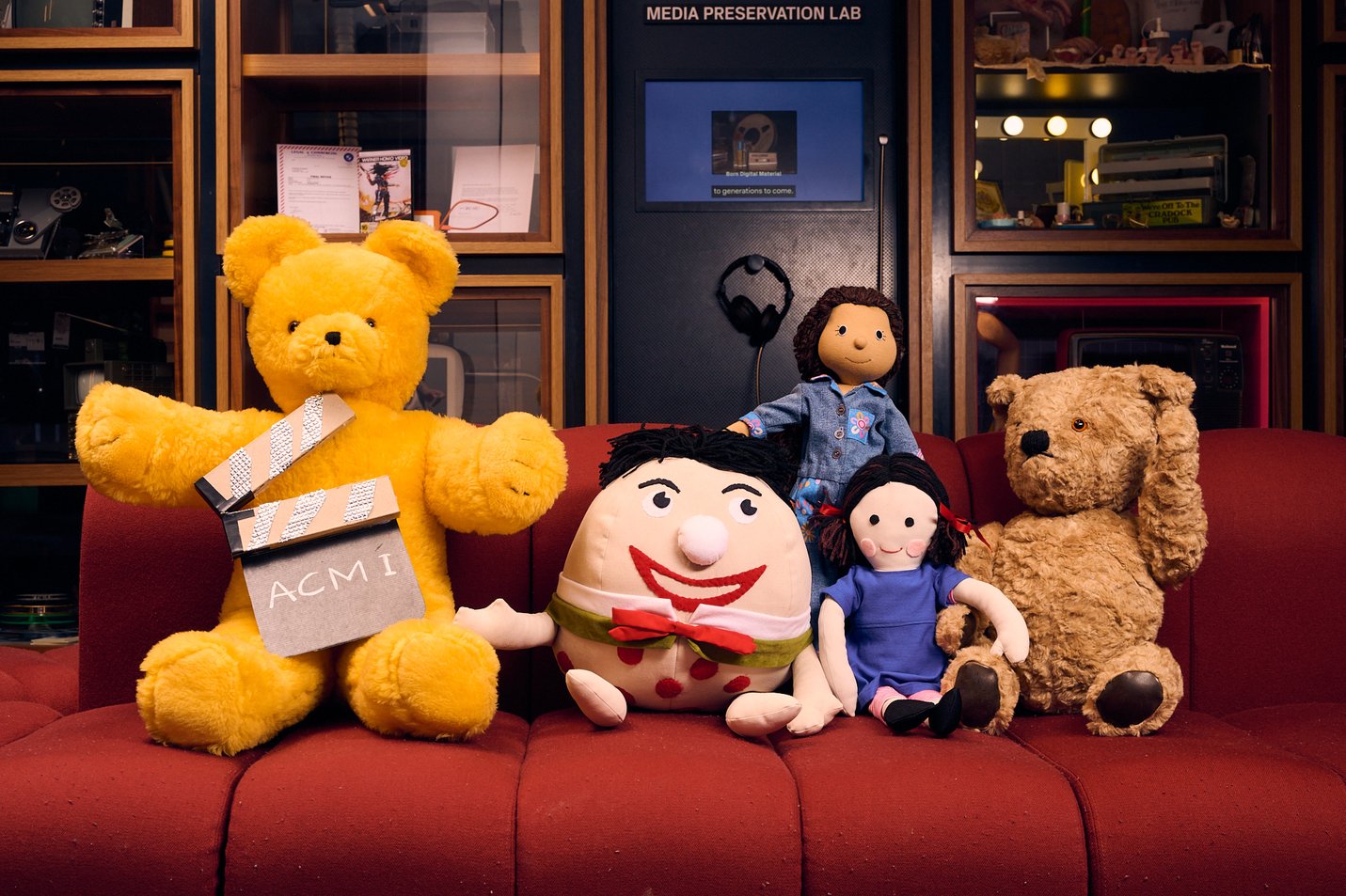
The Play School toys are a very special part of the show.
Create a new toy to join the Play School team. How would they look, sound, and what would they love to do?
- Talk with your child about their favourite toy on Play School and why they like it. Share your favourite toy too.
- Think about what makes a toy special and plan a new addition to the Play School crew together.
- What does your toy look like? Think about colour, shape, and texture.
- What makes your toy special?
- What is your toy’s name?
- What games do they like to play?
- What is their favourite colour?
- What feelings do they have?
- Ask your child to draw your toy doing what it loves to do. You can write the toy’s name and its attributes around the image.
Home-made Play School
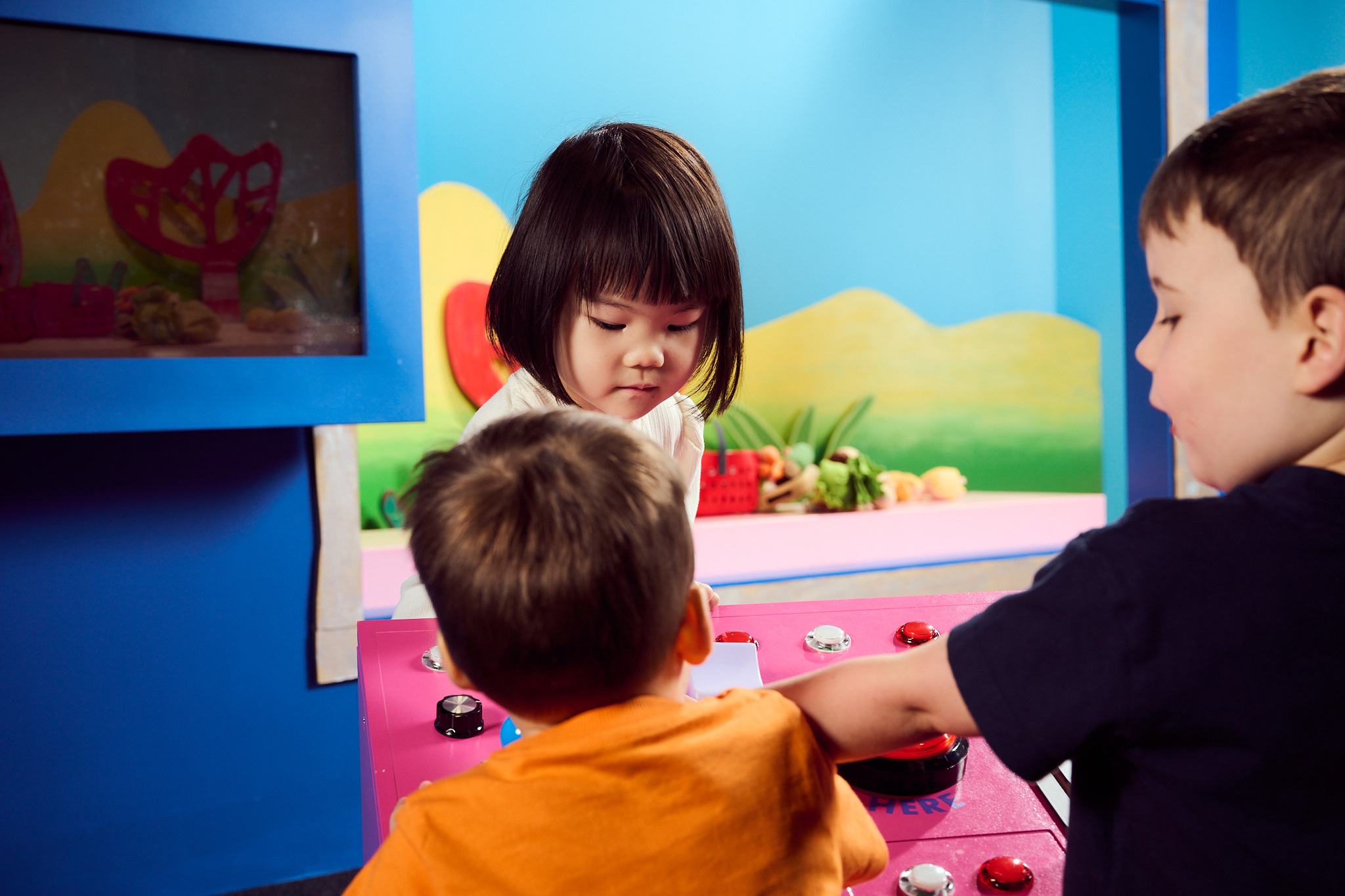
Visitors to the exhibition have the fun of planning an episode of Play School.
Why not plan your own episode together at home?
- Storyboard/ plan the segments you would like to include. (Making (art, food, etc), Through the windows, Song, Rocket Clock, Storytime, Toys)
- Choose a segment to film.
- Think of props you can use or make from around the house. Collect them together.
- Perhaps you would like to film an entire episode! Film each segment one at a time and then compile them using a simple editing app.
- Share what you have made with friends and family.
Play School: Come Play! Colouring
Play school Talks
Discover how imagination, stories and play help young children explore life’s big ideas through this series of three panel talks.